

.avif)

.avif)
Most days, I want our toddler’s TV watching to feel like play that also quietly builds real skills. And this is why I’ve become picky about the best educational apps for kids we actually keep on our devices.
7 best educational apps for kids (ages 2–4): quick comparison
The app choosing process for my toddler
I’ve used these apps in real moments:
- Curled up on the couch after daycare
- Stuck in long waiting rooms
- On slow weekend mornings when everyone’s a little fragile
I paid attention to what my toddler reached for again and again, what sparked proud little “I did it!” smiles, and what made them zone out.
When I think about the best educational apps for kids this age, I’m really asking a few simple questions:
- Does this help my child learn real things like words, numbers, or kindness?
- Do they look calm and curious, or wired and glass‑eyed?
- Can I sit beside them and join in?
- Do I feel safe handing the device over, without worrying about strange ads or links?
- And honestly, does paying for it feel worth it for the kind of day we’re having?
Over time, it became pretty clear which apps fit gently into our days and which apps I quietly deleted.
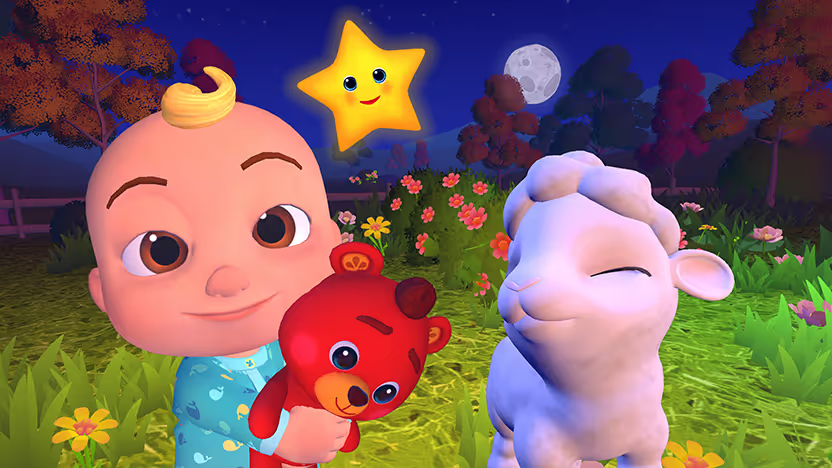
1. CoComelon: Sing & Play with JJ
What it does: CoComelon: Sing & Play with JJ turns familiar songs into a vocal experience where kids sing, clap, and call out words.
Best for: Families who already enjoy CoComelon and want TV time to feel like an interactive music and learning class.
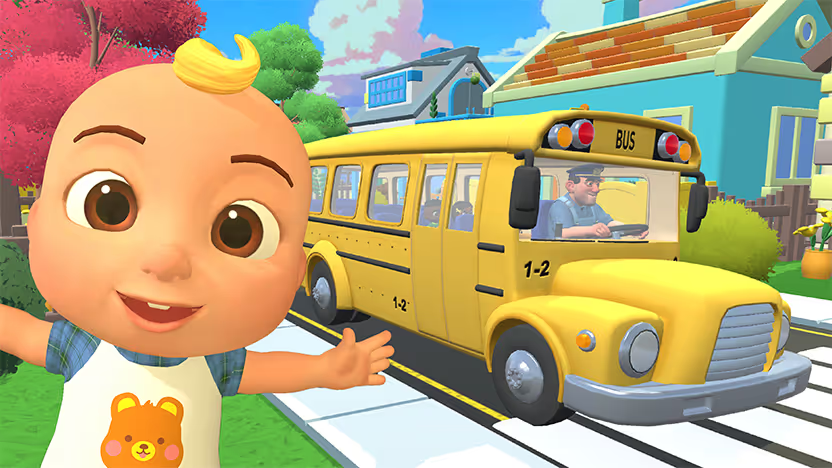
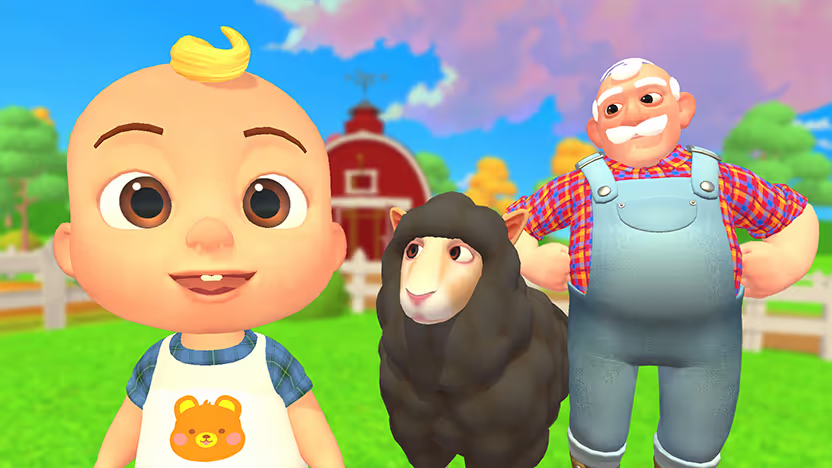
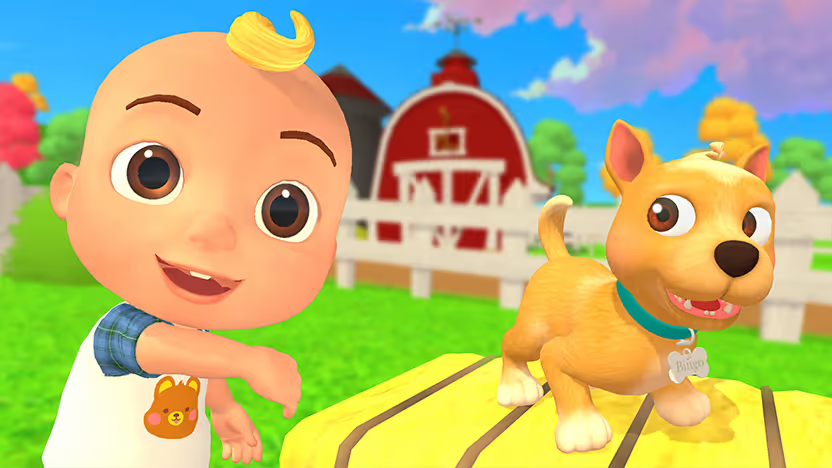
The first time we played it using the Weekend app, our living room felt like a tiny dance studio. JJ asked my toddler to clap, wiggle, and copy his moves, and I watched them follow along with an ear‑to‑ear grin while I finally exhaled on the couch.
Sometimes I catch myself singing along from the kitchen, and it feels less like we “put a show on” and more like we invited a cheerful music teacher into our home for a few minutes.
Key features
- Songs and activities built for preschoolers
- Smart TV play that gets kids off the couch and using their voices
- Short, mini‑games where kids shout, sing, and call out answers, each with its own little adventure
Pros
- ✅ Safe, family‑first environment
- ✅ Familiar CoComelon world helps shy toddlers join in
- ✅ Great when you want them moving while the TV is on
Cons
- ❌ More about movement and routines than “hard” academics
- ❌ Some older children may still enjoy it but not as much as toddlers
Bottom line
For interactive TV time, I say, "Weekend, open CoComelon: Sing & Play with JJ," and let our child sing along to Wheels on the Bus, clap to BINGO, or play Peek-A-Boo with JJ while we relax on the couch.
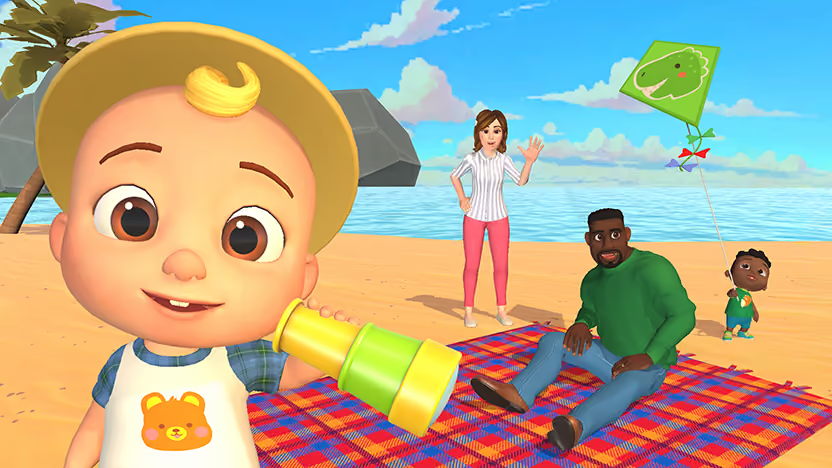
2. CoComelon: Play with JJ (mobile)
What it does: CoComelon: Play with JJ lets kids explore JJ’s house, tap on interactive objects, and jump into mini‑games that teach shapes, colors, and numbers.
Best for: Very young toddlers who already love CoComelon and need simple, slow‑paced games.
My toddler relaxed the moment JJ appeared on the screen, like we’d stepped into a familiar house. We wandered through rooms, found silly surprises, and dropped into quick counting or coloring activities whenever something sparkled.
It feels more like a cozy playdate than a strict “learning app,” and it’s become our little wind‑down ritual before bath, just the 2 of us visiting JJ’s house and chatting about what we see.
Key features
- Explore JJ’s house room by room
- Short learning mini‑games for core concepts
- Stickers and small rewards that feel gentle, not pushy
Pros
- ✅ Very familiar and comforting for CoComelon fans
- ✅ Simple controls for the youngest toddlers
- ✅ Easy way to talk about everyday objects and routines
Cons
- ❌ Only available with a Netflix account
- ❌ Limited insight into progress or skills
Bottom line
If the CoComelon intro song already lights your child up, this is a soft, easy way to introduce them to very simple learning games without overwhelming them.
{{cta-cocomelon}}
3. Khan Academy Kids
What it does: Khan Academy Kids wraps reading, early math, letters, and stories into a friendly world with animal guides and short activities for ages 2–8.
Best for: Parents who want a single reliable app that covers most early‑learning basics.
From the first time we opened it, my toddler went straight for the animal characters and big, simple buttons.
Within a few minutes, we were counting objects, tracing letters with a tiny finger, and listening to sweet little stories that felt more like snuggling with an animated book than “doing school.”
There’s this quiet moment I love where my toddler finishes tracing a letter, hears the sound, and then looks up at me to check if I saw it too.
Key features
- Adaptive activities that gently adjust as your child grows
- Wide range of subjects in 1 place
- Fully free and ad‑free
Pros
- ✅ Huge library of age‑appropriate activities
- ✅ Calm, friendly design
- ✅ Easy to use together or independently
Cons
- ❌ So much content that younger toddlers may need help choosing
- ❌ Takes a bit of setup to feel “just right” for age 2
Bottom line
If you only download 1 general learning app, I’d start here and see how your toddler responds before you add anything else.
4. Toca Boca (Toca Kitchen, etc.)
What it does: Toca Boca apps give kids little sandboxes like kitchens, salons, and cities where they experiment, make silly choices, and see what happens.
Best for: Toddlers who love pretend play and stories more than structured lessons.
The first time my toddler “cooked” in Toca Kitchen, they gleefully fed odd food combinations to the characters to see the reactions. We talked about what we actually eat at home, what’s silly, and what “hot” and “cold” mean.
I love hearing the wild little stories they narrate while they play; it feels like getting a tiny window into their imagination.
Key features
- No scores or levels, just open‑ended play
- Rich, themed worlds that invite exploration
- Perfect for parent‑child narration and conversation
Pros
- ✅ Great for imagination and language
- ✅ Easy to play in short bursts
Cons
- ❌ The app keeps learning unstructured, so you guide most of the teaching through conversation
- ❌ Most content now sits behind a Piknik subscription (~$9.99–$11.99/month) or in-app purchases, so costs can add up
Bottom line
I see Toca Boca as a creativity booster more than a strict learning app, and it’s an app I’m genuinely happy to sit and play with too.
5. Sago Mini World
What it does: Sago Mini World bundles lots of small, sweet games into 1 place, with friendly characters going on trips, visiting friends, and trying little tasks.
Best for: Kids who love cute characters and silly, low‑pressure play more than numbers and letters.
In our house, Sago Mini World is what I open when we all need to breathe out. My toddler flies planes to visit friends, gives characters baths and snacks, and chats to them out loud like they’re real.
I get so many natural chances to ask simple questions like “How do you think he feels?” or “What happens if we share?” and those tiny conversations feel as important as any alphabet game.
Key features
- Many tiny games in 1 app, all designed for ages 2–5
- Soft, friendly design that feels warm instead of loud or frantic
- Lots of chances to talk about helping, sharing, and feelings through play
Pros
- ✅ Great for gentle social‑emotional learning and imagination
- ✅ Easy to hand over in a waiting room without worrying about ads
- ✅ It helps you keep play short and calm when everyone feels worn out
Cons
- ❌ The subscription can feel expensive if you already pay for other services
- ❌ Older 4‑year‑olds may outgrow some of the simpler games
Bottom line
I reach for Sago Mini World on days when we’ve had big feelings, and I want something kind and cozy that still nudges us to talk about being gentle and helpful with others.
6. Montessori Preschool
What it does: Montessori Preschool by Edoki Academy offers calm little “work” activities for letters, numbers, shapes, and practical life skills, inspired by Montessori classrooms.
Best for: Parents who like a bit of structure, want to see progress, and don’t mind their child doing mini lessons on a device.
The first time we opened Montessori Preschool, my toddler carefully dragged letters into place and listened to the soft voice repeat the sounds.
There were no fireworks or loud cheers, only gentle “you did it” moments that felt calm and focused.
I like using it in short bursts when my child seems curious and ready, almost like pulling out a little tray of activities at home.
Key features
- Clear paths for phonics, early reading, numbers, and shapes
- Calm visuals and gentle sounds that match a Montessori feel
- Simple progress tracking so you can see what your child has practiced
Pros
- ✅ Very aligned with specific early skills like letters and numbers
- ✅ Great fit for 3- to 4‑year‑olds who ask about words and counting
- ✅ Feels purposeful without loud pressure or timers
Cons
- ❌ The subscription price adds another bill to keep an eye on
- ❌ Some toddlers see it as “work” and prefer more playful apps
Bottom line
I treat our Montessori Preschool app like a little learning tray I pull out when my child is in the mood, not something we push every day. It’s a nice way to channel that “I want to learn letters” energy into calm, focused moments.
7. Endless Alphabet or Endless Reader
What it does: Endless Alphabet and Endless Reader use funny monsters, puzzles, and short animations to introduce letters, sounds, and early sight words.
Best for: Curious 3- to 4‑year‑olds who suddenly care about letters and keep asking, “What does that say?”
When we open Endless Alphabet, my toddler beams at the silly monsters and drags the letters into place like it’s a little secret game.
Each word ends with a quick, goofy animation that shows what the word means, and we almost always repeat the word together and laugh about the scene. Those tiny repetitions add up, and I hear the same words pop up later in the day.
Key features
- Letter puzzles where kids match letters to outlines while hearing each sound
- Short monster animations that show the meaning of each word
- Endless Reader adds common sight words and simple sentences
Pros
- ✅ Very effective for early phonics and vocabulary
- ✅ Kids love rewatching favorite word animations
- ✅ No timers or scores, so it stays fun and low‑pressure
Cons
- ❌ You unlock extra word packs through in‑app purchases
- ❌ Some kids fixate on the same few words and ignore the rest
Bottom line
I lean on Endless Alphabet and Endless Reader when my child is in a “spell everything” phase, and I want to feed that curiosity in a playful way. It feels like sneaking a little reading prep into a silly monster show.
How to choose the right app for your child
For ages 2–4, try to match the app to what your day looks like. If you want a single steady focus, reach for Khan Academy Kids when you want tablet time to feel like a tiny, gentle preschool lesson.
If your child lights up as soon as music starts, pop on CoComelon: Sing & Play with JJ via the Weekend app so they can move and dance in front of the TV.
For the youngest CoComelon fans who mostly want to explore and tap around a familiar house, CoComelon: Play with JJ on mobile usually feels right.
Some days, you might pair 1 learning app with 1 active, joyful option so your child doesn’t spend every minute hunched over a small screen. Other days, you might look at the crayons, blocks, and book pile and decide that’s enough.
If you’re not sure where to begin, pick 1 or 2 of the best educational apps for kids on this list that feel right for your child, and let them weave gently into your week in a way that leaves you both feeling a little more connected, not guilty or frazzled.
Take the best educational apps for kids off tablets and onto your TV
Weekend turns your TV into a place where everyone can play together without passing a controller around or crowding over 1 screen.
If you already care about finding the best educational apps for kids and families, Weekend takes that same interactive spirit and brings it to the biggest screen in your home.
Everything your group needs lives in Weekend’s app:
- Jeopardy! settles debates about who actually knows the most random facts
- Song Quiz turns music recognition into a contact sport where someone always shouts the wrong artist with absolute confidence
- Wit’s End builds unique fantasy worlds around what you say out loud, so no sessions ever repeat the same story
- CoComelon: Sing & Play with JJ turns CoComelon songs into on‑your‑couch dance parties where kids copy JJ’s moves and sing along at full volume
- Wheel of Fortune (Roku) brings the classic letter‑calling puzzle format to your screen
- Karaoke (Roku) separates the actual singers from people who think they can sing
- 20 Questions (Roku) reveals who asks clever questions and who wastes turns on obvious guesses
Weekend works on Roku, LG, Samsung, and Fire TV. Grab the 7‑day free trial and see what happens when your group controls the story, the music, and the chaos on the TV by talking instead of reaching for a keyboard.
FAQs
What is the best educational app for kids ages 2–4?
The best educational app for kids ages 2–4 depends on your child. I lean on Khan Academy Kids for calm lessons, and I use Weekend for games like CoComelon: Sing & Play with JJ and Wit’s End when we want learning mixed with music, stories, and movement.
How many learning apps does a toddler really need?
The question “How many learning apps does a toddler really need?” has a simple answer for me: 2 or 3. I keep 1 core app like Khan Academy Kids and then use Weekend for shared games like CoComelon: Sing & Play with JJ and Song Quiz on the TV.
Are educational apps as good as books or toys?
When I ask, “Are educational apps as good as books or toys?” I remind myself they do different jobs. Books and toys stay our base, and I treat Weekend and the best educational apps for kids as extra tools for stories, music games, and movement on long days.
How can I get the Weekend app on my smart TV?
When parents ask “How can I get the Weekend app on my smart TV?” the answer is easy. You install Weekend from your TV’s app store on Roku, LG, Samsung, or Fire TV, then open it to start games like Wit’s End, Jeopardy!, Song Quiz, and CoComelon: Sing & Play with JJ.







%20(1).png)
%20(1).png)
%20(1).png)

Free for 7 days. Cancel anytime.


