

.avif)
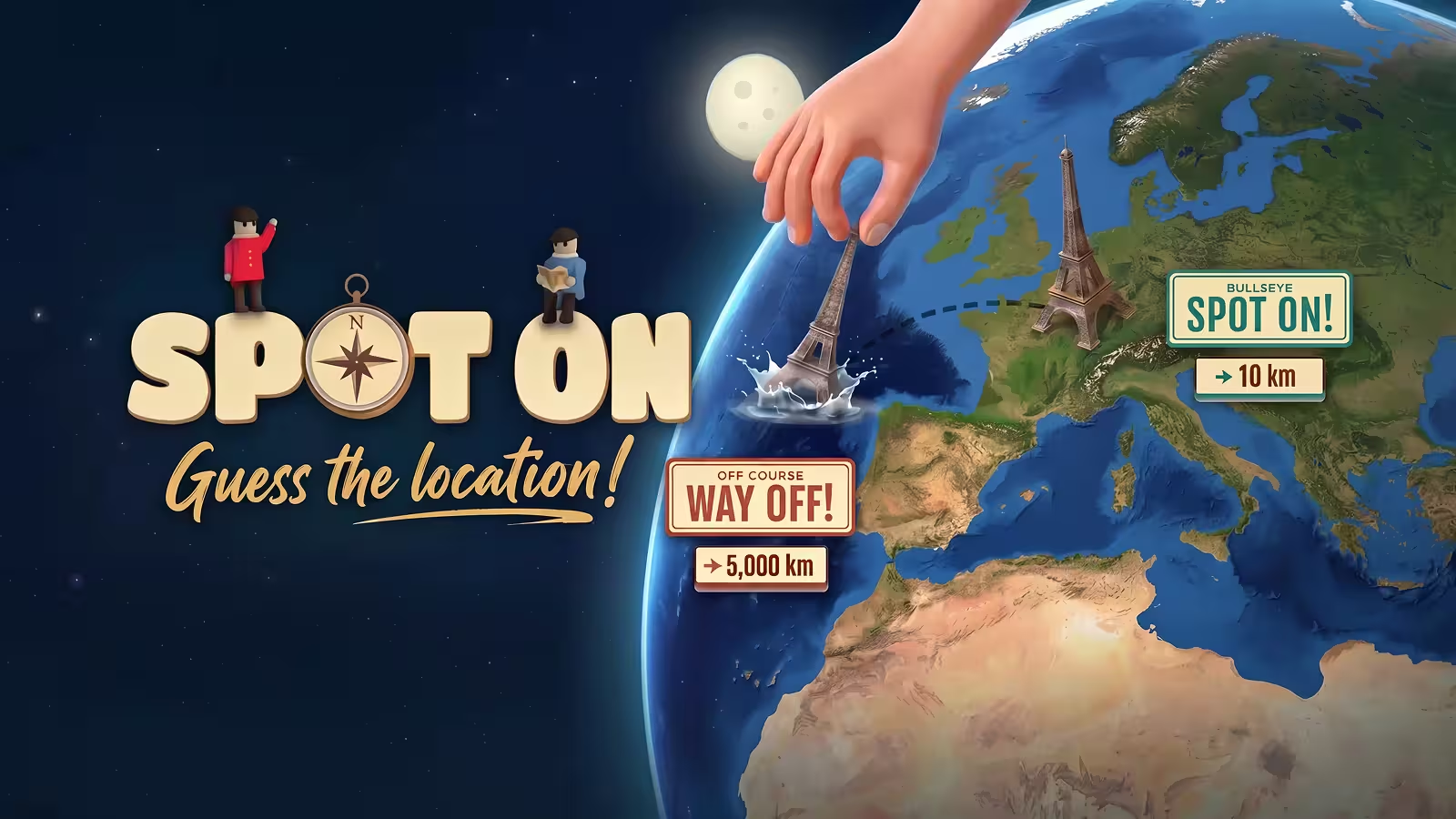
Bring Roku shows, channels, and games into your LG setup by following my 7 practical ways to get Roku apps on your LG Smart TV.
How to get Roku apps on LG Smart TV: The quick version
Method 1: Use a Roku streaming device
The quickest way is to use a Roku streaming device as your “Roku app.”
Here is how I set it up:
- Plug a Roku Streaming Stick, Express, or Ultra into an open HDMI port on your LG Smart TV and connect the power.
- Switch the LG input to that HDMI port, walk through the Roku setup, and sign in so the full Roku home screen lives on that source.
On friends’ LG TVs, this always feels the most natural because every Roku app, search feature, and setting work exactly as intended.
Method 2: Open the Roku Channel in the browser
If you don’t want extra hardware, you can still access a lot of Roku content by loading the Roku Channel website in the LG browser.
Use this simple path:
- From the LG Home screen, open the built‑in web browser and type in the Roku Channel URL for your region.
- Sign in with your Roku account if prompted, then start streaming free movies, TV, and live channels directly from the page.
When I only need a quick movie and I am already holding the LG remote, this browser route saves me from switching devices.
Method 3: Cast or mirror Roku Channel
Another way to get Roku apps on your LG Smart TV is to let your phone, tablet, or laptop do the heavy lifting and mirror that screen to the TV.
Follow this flow:
- Install the Roku or Roku Channel app on your phone, or open Roku Channel in a desktop browser, and connect to the same Wi‑Fi as your LG TV.
- Use AirPlay, screen mirroring, or a casting app to mirror that screen to the LG TV while Roku Channel plays in the foreground.
I lean on this when access a Roku Channel link on a laptop, and I want it on the big screen without logging into a second device.
Method 4: Search LG Content Store for Roku options
webOS does not ship with a native Roku app, but checking the LG Content Store for any Roku‑branded or partner apps is still worth a quick look.
Here is how I check:
- Press Home, open LG Content Store or Apps, and use the search icon to type “Roku” or “Roku Channel.”
- If nothing appears, note that app availability on LG changes by region and model, so a missing Roku entry usually means it is not supported.
Every few months, I repeat this search after major webOS or content store updates, just in case new streaming partners appear.
Method 5: Use LG apps with Roku‑like content
Because getting Roku apps on an LG Smart TV often hits a wall in the store, the next best play is to use LG apps that mirror the shows and movies you care about most from Roku.
Build your lineup like this:
- Install major streaming apps and free-ad-supported services that overlap with Roku Channel’s catalog.
- Arrange those apps close to your Roku HDMI input so jumping between LG apps and Roku feels like moving across one unified home screen.
On my own setup, this mix lets me keep Roku exclusives on the Roku device while LG handles everything else with its native apps.
Method 6: Make the Roku HDMI input feel native
Once you rely on a Roku device, a few tweaks on the LG side make it feel less like “another box” and more like a built‑in feature.
Make these small adjustments:
- Rename the HDMI port to “Roku” and move it to the front of the input list so everyone knows exactly where Roku lives.
- Match the picture and sound settings on that HDMI input to your favorite LG presets so the image stays consistent across apps and sources.
After tuning this once, I notice people in the house think of Roku as just another LG “mode,” not a separate device they have to remember.
Method 7: Fix missing Roku options or playback issues
Sometimes, getting Roku apps on LG Smart TV becomes a troubleshooting session when options go missing, or streams lag.
Run through this quick checklist:
- Confirm strong Wi‑Fi, restart both the LG TV and any Roku device, and install any pending webOS or Roku firmware updates.
- If Roku or Roku Channel access still does not appear in the LG environment, check region support and remember that Roku does not officially publish a native LG TV app.
{{cta-jeopardy}}
Why I mix Roku with my LG Smart TV
Adding every possible device and app to an LG Smart TV can make game night feel like a jumble of inputs. When I add Roku on purpose, I keep webOS light and still get Roku‑only channels when they actually matter.
By treating Roku as one clear “Roku” input with browser and casting as backups, I can quickly choose where to start. Some nights I stay in LG apps; other nights I tap over to Roku for its live channels or niche apps.
Instead of buying a new TV to keep Roku, a small device and simple routine keep the LG screen feeling current. Labeling inputs, organizing apps, and checking updates make the setup feel like one planned system, not a pile of gadgets.
Luckily for me, Weekend is available on both LG TV and Roku.
Weekend for Roku or an LG TV
Knowing how to get Roku apps on LG Smart TV means you can turn a Roku input into a game hub with Weekend on both Roku and LG. However, Weekend is already available on both platforms, so there’s no need for the "hoop-jumping".
With Weekend running on either platform, your living room shifts from streaming series and movies to shared, quick‑start game nights. One moment you finish a movie, the next you are shouting answers or guessing song titles together.
Look for these games on Roku or LG TV:
- Jeopardy! turns your LG‑plus‑Roku setup into a classic quiz board where you race friends and family to respond first, just like the show.
- Song Quiz plays short music clips and challenges everyone on the couch to name the artist and title before the timer runs out.
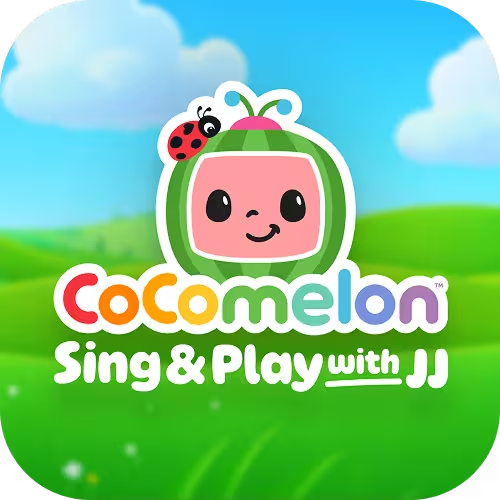
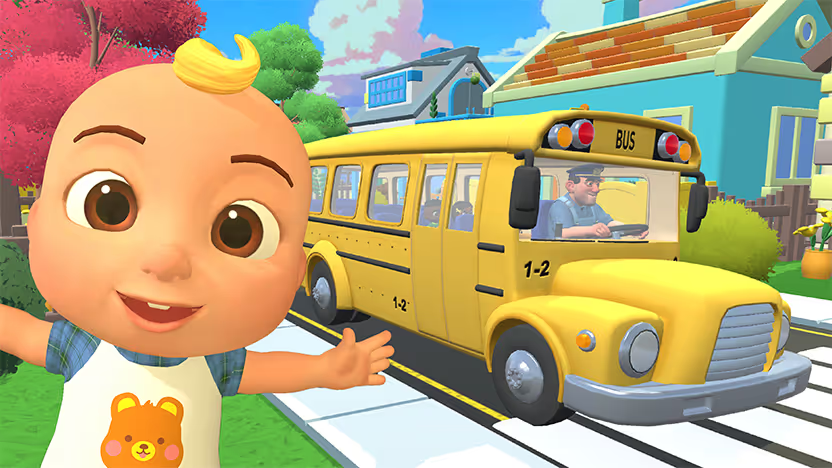
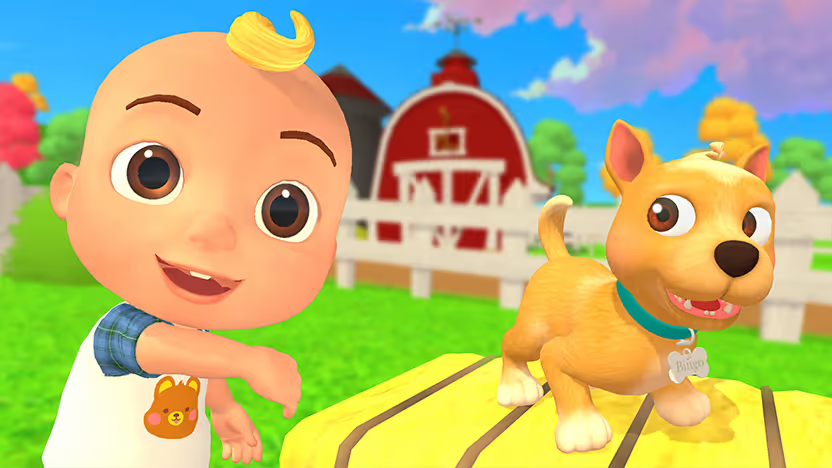
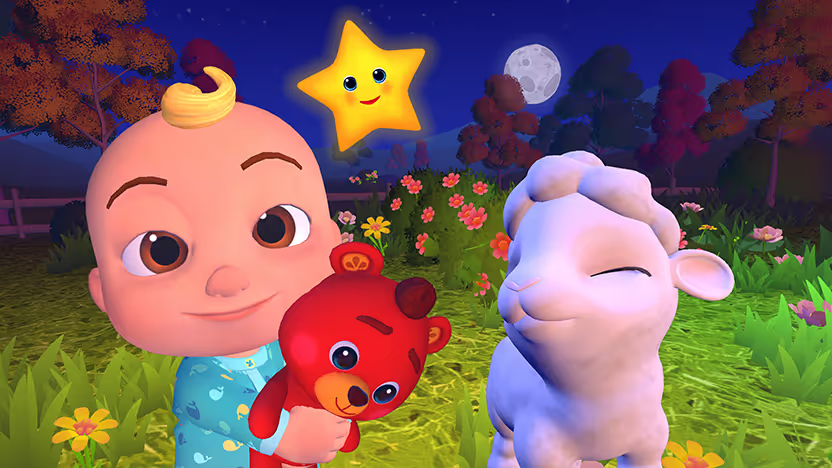
- CoComelon: Sing & Play with JJ turns the TV into a family-friendly play space where little ones can sing, move, and follow simple on-screen prompts together.
- Wheel of Fortune is a spin‑and‑solve word puzzle game where you guess letters to crack the hidden phrase.
- Wit's End, a voice-powered RPG where you build characters, roll dice, and let the AI game master spin the story around you.
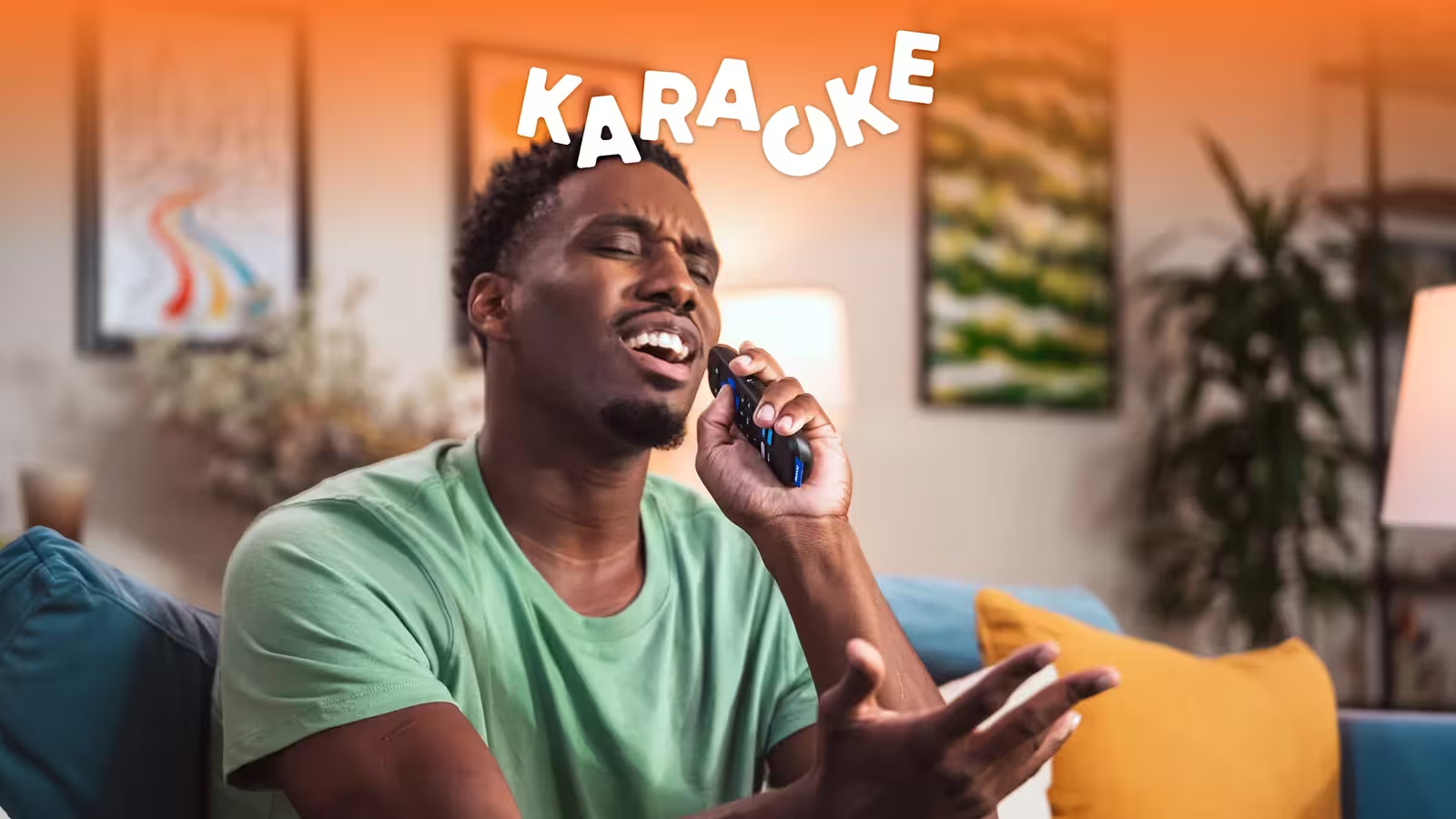
- Karaoke (on Roku) is a sing‑along showdown where everyone belts out favorites and competes for the most entertaining performance.
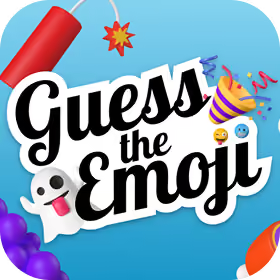
- Guess the Emoji (on Roku) is a quick visual puzzle game where you decode emoji chains into familiar words and references.
- 20 Questions (on Roku) is a classic yes‑or‑no guessing game where your group narrows down a mystery person, place, or thing.
Try Weekend on either Roku or LG Smart TV using a 7‑day free trial and see how fast the room shifts from scrolling to playing. Unlock the full game library of TV shows, trivia, and music games for every age group.
FAQs
How can I play Weekend on my LG Smart TV with Roku?
To play Weekend on your LG Smart TV, install the Weekend app on your Roku device, select the Roku HDMI input on your LG TV, and launch Weekend from the Roku home screen. After that, I follow the on‑screen prompts to start a game in minutes.
Why should I learn how to get Roku apps on an LG Smart TV?
Learning how to get Roku apps on an LG Smart TV lets you keep Roku‑only channels and game apps, like Weekend, without losing LG’s built‑in apps. Weekend currently offers more games on Roku, like Wheel of Fortune and 20 Questions, that it doesn't yet offer on LG TV.
Can I install an official Roku app directly from the LG Content Store?
No, you generally cannot install a full Roku app straight from the LG Content Store. I count on a Roku streaming device, the Roku Channel website, or casting instead, because those options stay supported and do not rely on a missing LG‑native Roku app.
What should I do if my Roku input or Roku Channel option is not working on LG?
When Roku options stop working with an LG TV, I check Wi‑Fi, restart both the TV and Roku device, and install any pending updates. If Roku services still fail or vanish, I confirm regional support and, when needed, reset inputs or streaming settings before trying again.









.png)
%20(1).png)
%20(1).png)

Free for 7 days. Cancel anytime.


