

You could spend more weekends than you can count figuring out how to play games on your smart TV without a console. I've found there are at least 5 solid ways to do it right now without spending hundreds on new hardware.
How to play games on your smart TV without a console: TL;DR
Method 1: Weekend
What it is: Weekend is a dedicated smart TV gaming app built for social, party-style play. Think Jeopardy!, Wheel of Fortune, Song Quiz, Wit’s End, and more, all playable with your voice (using the TV remote as your mic) right from your couch.
How it works: Weekend is available on Roku, Fire TV, Samsung, and LG smart TVs. You download the app from your TV's app store, use your phone or voice remote as a mic, and jump straight into games with friends or family.
No extra hardware. No complicated setup.
Weekend even offers a free 7-day trial, with continued access at $12.99/month (all supported games included).
When to use it: The Weekend app is my top pick for weekends, family nights, or any time you want everyone in the room involved, not just the person holding the controller. Weekend builds every game for groups, so even people who never game can jump in and have a blast.
Real example: I set it up in under 5 minutes on a Saturday afternoon. Within 10 minutes, 6 people in my living room were screaming at each other over Wheel of Fortune answers. It was the most fun we had in months, and nobody needed to know how to "play games" to enjoy it.
Method 2: Cloud gaming (Xbox Game Pass Ultimate or GeForce NOW)
What it is: Cloud gaming lets you stream console-quality games directly to your TV over the internet with no console required.
How it works: Samsung smart TVs from 2022 onward come with Samsung Gaming Hub built in, giving you access to Xbox Cloud Gaming and NVIDIA GeForce NOW. That unlocks over 3,000 games.
You connect a Bluetooth controller, open the app, and stream games the same way you stream Netflix. You’ll need Xbox Game Pass Ultimate to access the Xbox library. LG and Amazon Fire TV users can access Xbox Game Pass or GeForce NOW through their respective app stores.
When to use it: Use this if you want to play serious titles like Halo, Fortnite, or Minecraft on a big screen without buying a console. You need a fast internet connection, at least 15 Mbps, for a smooth experience. Keep in mind that a bad Wi-Fi day can turn a great session into a frustrating one fast.
Real example: I played Halo Infinite on a 55-inch Samsung TV using an Xbox controller. The experience felt close to playing on an actual console. But I did notice input lag on a slower Wi-Fi day, which broke immersion at the worst possible moments.
Method 3: Built-in TV app store games
What it is: Most smart TVs have their own app stores with downloadable games you can install directly, like apps on a phone.
How it works: On Android TVs and Google TVs, open the Google Play Store and browse the Games section. On Roku, go to Streaming Channels and select Games. On Fire TV, visit the Amazon Appstore.
Popular titles include Crossy Road, Asphalt 9, and casual puzzle games. Some are free, and others cost a one-time fee. You can use your TV remote or pair a Bluetooth controller for a better experience.
When to use it: This works best for casual gaming, quick sessions, simple games, or something to hand off to kids. The games don't come close to console-level graphics, and the app store offers a much smaller selection compared to other methods.
Real example: I downloaded Crossy Road on my Android TV one afternoon, thinking it would keep my kids busy for a bit. It did the job for about 20 minutes before they got bored and wanted something more interactive.
Method 4: Netflix Games
What it is: If you already pay for Netflix, you already have access to a growing library of games with no extra subscription needed.
How it works: On supported TVs, Netflix lets you play games directly on your TV using your smartphone as a controller. You open the Netflix app on your TV, browse to the Games section, and use the Netflix app on your phone to control the action. Both devices need to be on the same Wi-Fi network.
It works like starting a show. The library includes games based on popular Netflix titles as well as original games that Netflix built from scratch.
When to use it: Use this if you already pay for Netflix and want zero extra cost. It works fine for casual solo play, but the catalog stays thin compared to a dedicated gaming platform. Netflix continues to add titles, but right now it feels more like a bonus feature than a true gaming destination.
Real example: I tried Netflix Games one night, expecting a fun experience. I found a handful of decent titles, but after 15 minutes, I ran out of things that genuinely interested me. It felt like browsing a vending machine with half the slots empty.
Method 5: Steam Link (PC game streaming)
What it is: Steam Link lets you stream games from your PC or laptop directly to your smart TV over your home Wi-Fi network.
How it works: Download Steam on your PC and enable Remote Play in the settings. Then download the Steam Link app on your smart TV, available on Android TV and Samsung TVs.
Both devices need to sit on the same Wi-Fi network. Once you connect them, your TV acts as a screen for your PC.
You can use an Xbox, PlayStation, or Steam controller connected to your TV via Bluetooth. For the best results, run an Ethernet cable to both your TV and your PC to cut down on lag.
When to use it: Use this if you already own a gaming PC with a large Steam library. It costs nothing and gives you access to thousands of titles without moving your computer to the living room.
That said, it requires a decent PC, the right TV model, and a stable network setup. If any part of that chain breaks, your session breaks with it.
Real example: I got Steam Link working on my Samsung TV after about 30 minutes of troubleshooting network settings. Once it ran, the experience was solid for slower-paced games.
Fast-paced titles showed noticeable lag even on a wired connection. It works, but the setup effort alone made me appreciate how quickly Weekend gets everyone playing with zero friction.
Which method should you choose?
Choose Weekend if …
- You want official titles like Jeopardy!, Wheel of Fortune, or Song Quiz on your big screen
- You need something that pulls every person in the room in, from the 3-year-old who loves CoComelon to the D&D wizard who will absolutely dominate at Wit's End
- You want a growing library of games across genres that actually fit how real households use the TV together
- You want to try it free for 7 days before spending a single dollar
Choose cloud gaming if …
- You want long, immersive single-player titles like Halo or Fortnite, and you own a Bluetooth controller
- You have a fast, stable internet connection and don't mind paying for a Game Pass subscription on top of your setup
Choose Steam Link if …
- You already own a gaming PC, have a large Steam library collecting dust, and enjoy a good 30-minute troubleshooting session before you can play
Choose Netflix Games or built-in app store games if …
- You want something completely free, have zero expectations, and just need to fill 15 minutes
{{cta-songquiz}}
Best practices for smart TV gaming
1. Start with Weekend's free 7-day trial. Before you spend money on a controller, a subscription, or an hour troubleshooting your network, download Weekend and try it tonight.
It requires nothing extra, works on Roku, Fire TV, Samsung, and LG, and gets your whole household playing in under 5 minutes.
2. If you go the cloud gaming route, test your internet speed first. Cloud gaming needs at least 15 Mbps for a stable stream (or 20 Mbps or more for 1080p). If your connection drops, your game stutters or kicks you out entirely. Run a speed test before you pay for Xbox Game Pass Ultimate or GeForce NOW.
3. Use an Ethernet connection for Steam Link and cloud gaming. Wi-Fi introduces lag that kills fast-paced games. A wired connection on both your TV and PC makes a real difference. This step alone saved my Steam Link sessions from being completely unplayable.
4. Pair a Bluetooth controller if you plan to use cloud gaming or Steam Link. Most smart TVs support Xbox and PlayStation controllers out of the box. Weekend works with just your TV remote or phone as the mic, but cloud gaming and Steam Link demand a real controller for anything beyond casual play.
5. Match the method to the moment. Solo Tuesday night sessions suit cloud gaming or Steam Link. But when Saturday rolls around, and you have people on your couch who don't care about Halo, Weekend is the only method that makes everyone feel like they belong in the game.
Game night just got a serious upgrade
If you have ever tried to figure out how to play games on your smart TV without a console and still make it feel like a real event, Weekend is the answer you did not know you were looking for. Download it once, and suddenly your living room becomes the most competitive room in the house.
No one has to be a gamer to have fun. Weekend taps into that primal need to win, the kind that comes out when someone steals your Wheel of Fortune answer or buzzes in on a Jeopardy clue you were 100% sure you had first.
It's an energy that spreads fast, and before you know it, people who never touch a controller are leaning forward in their seats demanding a rematch.
Games to expect from Weekend's library:
- A classic round of Jeopardy! puts your knowledge on the line in clue-and-question style, just like the real show
- In Song Quiz, you race to name songs and artists before anyone else, and yes, the room will absolutely start singing
- With Wheel of Fortune, you call letters and race to solve the puzzle before your opponent steals the win
- With Wit's End, your group speaks the adventure out loud, and an AI game master builds a live fantasy story around every decision you make
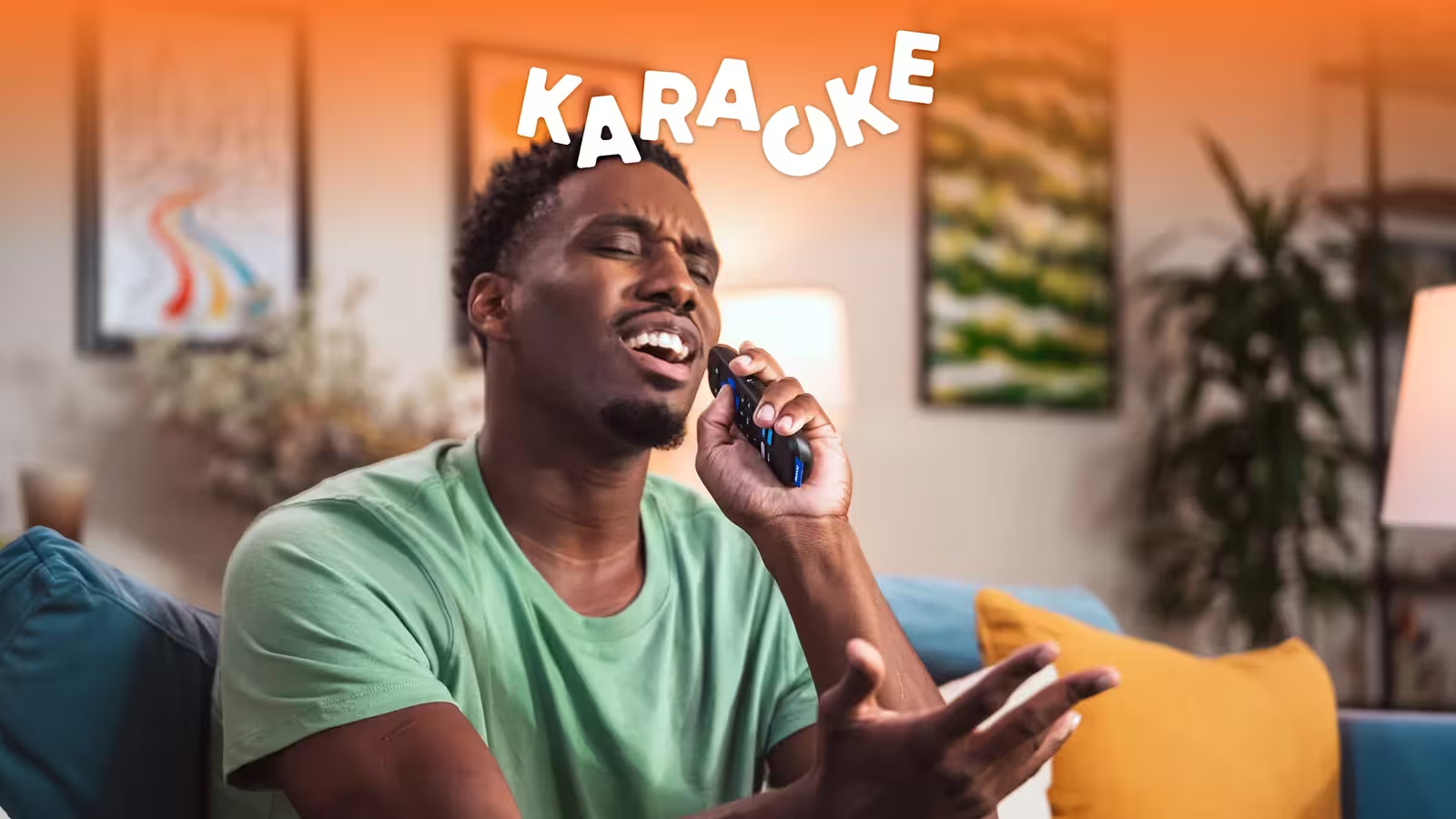
- A session of Karaoke (on Roku) turns the bravest person in the room into a star and everyone else into a ruthless judge
- Playing 20 Questions (on Roku) rewards the sharpest thinker at the table with bragging rights nobody lets go of easily
Weekend works on Roku, Fire TV, Samsung, and LG smart TVs, and you can try it free for 7 days before spending a dollar.
FAQs
Do I need a controller to play games on my smart TV?
No, you don’t always need a controller to play games on your smart TV. Apps like Weekend use your phone or voice remote, which I find works surprisingly well for party games and trivia.
Can I play games on any smart TV without a console?
Yes, you can play games on most smart TVs without a console. I have tested this across Samsung, LG, Roku, and Fire TV devices, and all of them support at least a few gaming options out of the box.
Is Weekend available on all smart TVs?
Weekend works on Roku, Fire TV, Samsung, and LG smart TVs. In my experience, setup takes under 5 minutes on any of those platforms, and you can jump into a game like Jeopardy! or Song Quiz the same night.
How do I get Weekend on my smart TV?
Getting Weekend on your smart TV takes less than 5 minutes. Open your TV's app store, search for Weekend, download it, and start your free 7-day trial. No need for a controller or any extra hardware.









.png)
%20(1).png)
%20(1).png)

Free for 7 days. Cancel anytime.


